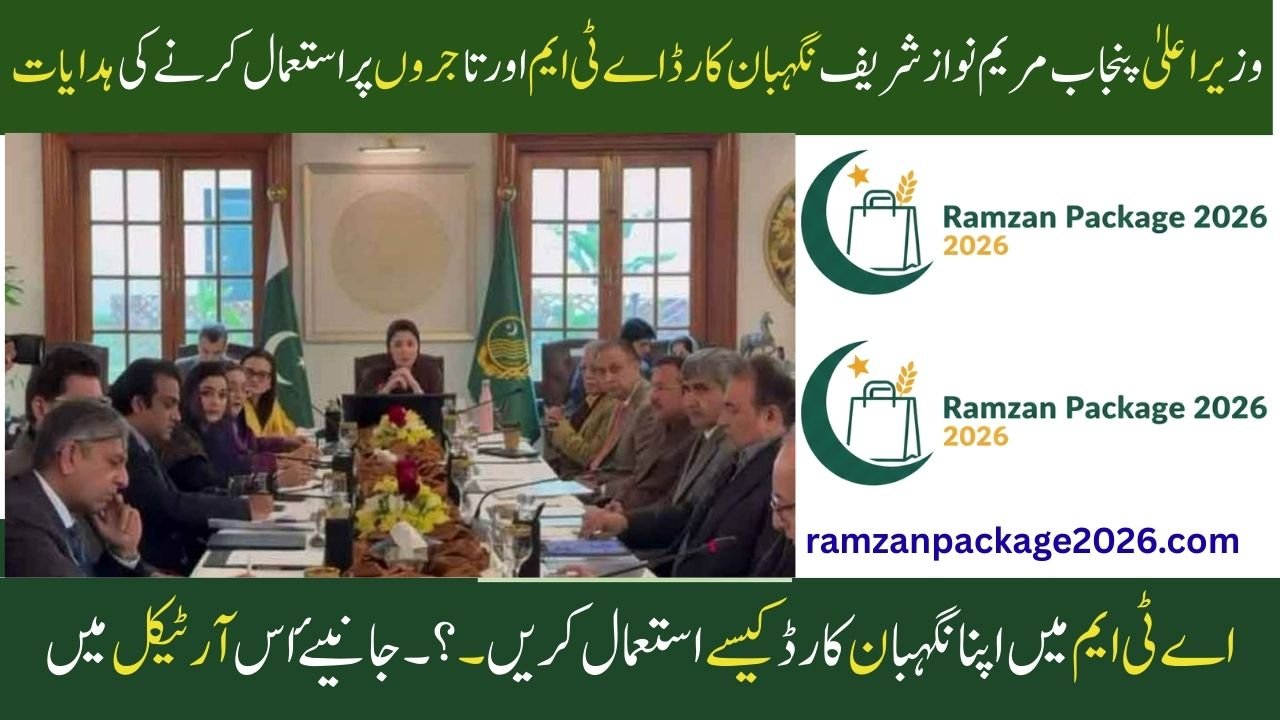
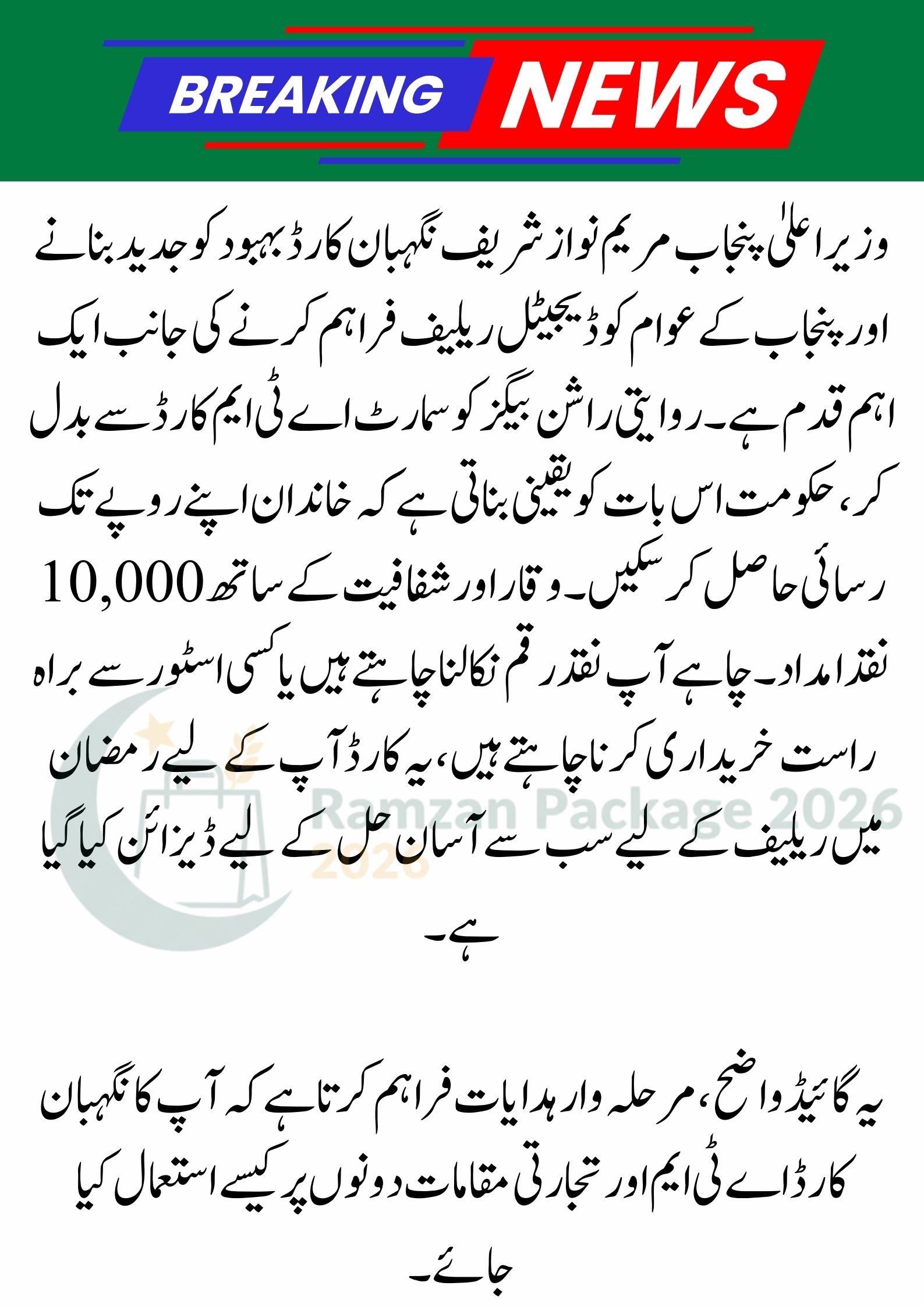
Nigehban Card ,The CM Punjab Maryam Nawaz Sharif Nigehban Card is a significant step toward modernizing welfare and providing digital relief to the people of Punjab. By replacing traditional ration bags with a smart ATM card, the government ensures that families can access their Rs. 10,000 cash assistance with dignity and transparency. Whether you want to withdraw cash or shop directly at a store, this card is designed to be your all-in-one solution for Ramadan relief.
This guide provides clear, step-by-step instructions on how to use your Nigehban Card at both ATMs and merchant locations.
Nigehban Card Usage Summary
| Feature | ATM Instructions | Merchant (Shop) Instructions |
| Identification | Look for the 1-Link logo | Look for authorized POS machines |
| Security | Secret 4-digit PIN required | PIN or “Tap” for small amounts |
| Verification | Card and PIN entry | Digital transaction approval |
| Receipt | Always collect printed receipt | Keep the transaction slip |
| Cost | 100% Free of charge | No extra fees allowed |
How to Use Your Nigehban Card at an ATM
You can use your Nigehban Card at any Bank of Punjab (BOP) ATM or any other bank’s ATM that displays the 1-Link logo. Follow these six simple steps:
-
Insert Your Card: Gently place your Nigehban Card into the card slot of the ATM machine.
-
Enter Your Secret PIN: Use the numeric keypad to enter your 4-digit secret PIN. Always cover the keypad with your hand while typing for safety.
-
Select Transaction Type: Choose the “Cash Withdrawal” option from the screen menu.
-
Enter Amount: Type the amount you wish to withdraw (for example, Rs. 10,000).
-
Collect Your Cash: Once the machine processes the request, collect your cash from the dispenser.
-
Take Your Card and Receipt: Do not forget to take your card back and collect the printed receipt to keep track of your balance.
How to Use Your Card at Merchant Shops (POS)
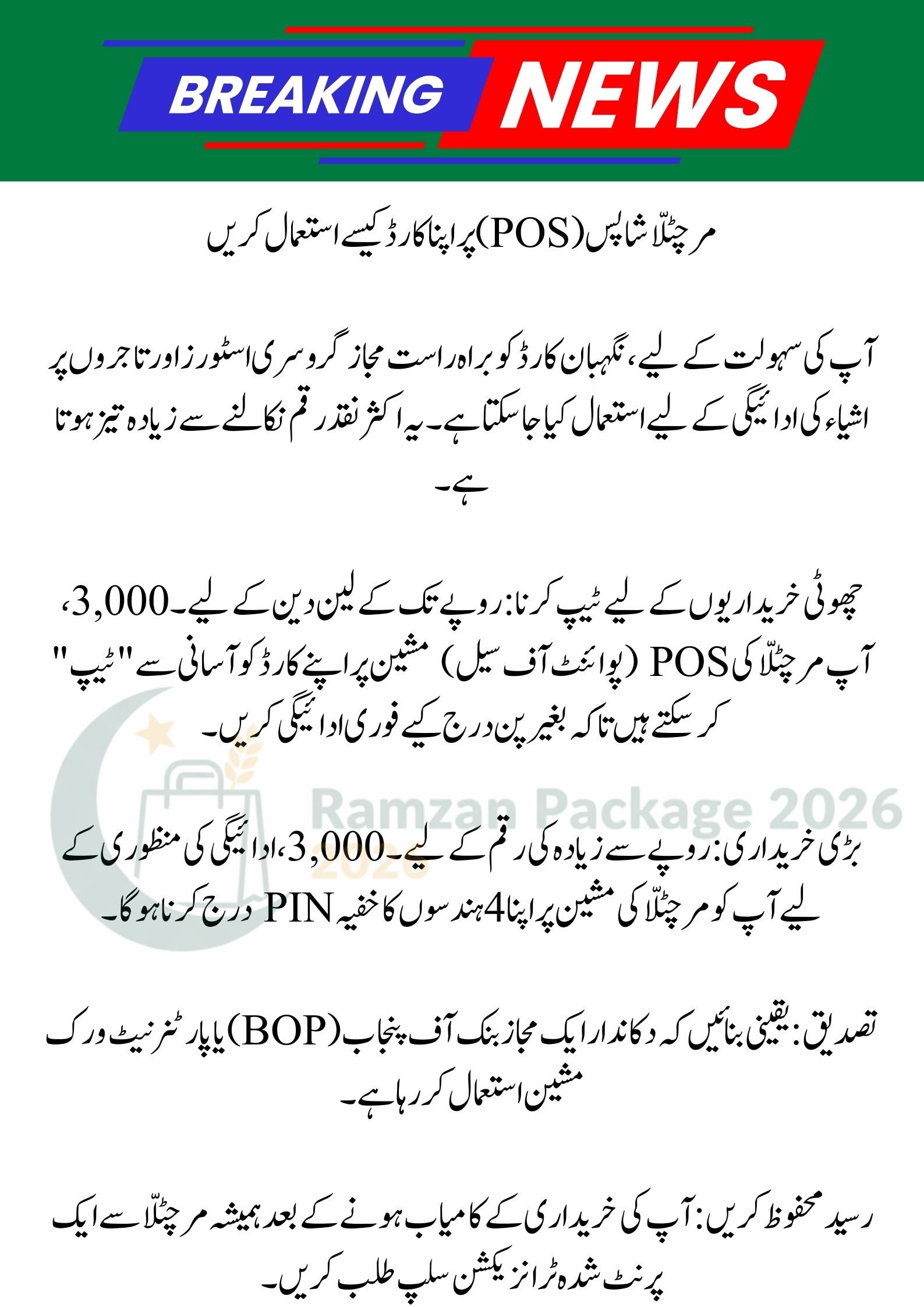
For your convenience, the Nigehban Card can also be used directly at authorized grocery stores and merchants to pay for items. This is often faster than withdrawing cash.
-
Tapping for Small Purchases: For transactions up to Rs. 3,000, you can simply “Tap” your card on the merchant’s POS (Point of Sale) machine to pay instantly without entering a PIN.
-
Larger Purchases: For amounts higher than Rs. 3,000, you will be required to enter your secret 4-digit PIN on the merchant’s machine to approve the payment.
-
Verification: Ensure the shopkeeper is using an authorized Bank of Punjab (BOP) or partner network machine.
-
Save the Receipt: Always ask the merchant for a printed transaction slip after your purchase is successful.
Ramzan Package 2026: Punjab Govt Nigehban Card & Rs 10,000 Cash Updates
Important Safety and Security Tips
To keep your Ramadan relief funds safe, please follow these essential instructions:
-
Protect Your PIN: Never write your secret PIN on the card or share it with shopkeepers, bank staff, or even government officials.
-
Personal Use Only: The card is meant specifically for the registered beneficiary. It should not be used for business or commercial purposes.
-
Check for Tampering: Before inserting your card into an ATM, ensure the machine looks normal and no suspicious devices are attached to the card slot.
-
Contact Support: If your card is lost, stolen, or blocked, immediately contact the Bank of Punjab (BOP) helpline or visit a DC office for assistance.
8070 Online Registration 2026: Your Guide to Ramzan Package & Nigehban Card
Conclusion
The CM Punjab Maryam Nawaz Sharif Nigehban Card is a modern and secure way to receive your Ramadan assistance. Whether you choose to withdraw cash from a 1-Link ATM or pay directly at a local store, the process is designed to be user-friendly. By following these instructions and keeping your PIN secret, you can ensure that your relief funds are used effectively for your family’s needs during this holy month.
(FAQs)
1. Can I use my Nigehban Card at any bank’s ATM? Yes, your card is compatible with the 1-Link network, meaning you can withdraw cash from the Bank of Punjab or any other bank’s ATM that shows the 1-Link logo.
2. What should I do if the ATM machine keeps my card? If the machine does not return your card, contact the bank’s helpline immediately or visit the nearest branch of the bank where the ATM is located to report the issue.
3. Is there a fee for using the card at a shop or merchant? No, there are no transaction fees for the beneficiary. If a merchant tries to charge you extra for using your Nigehban Card, you should report this to the official helpline.
Would you like me to find the contact number for the official Nigehban Card complaint helpline?